Connect appliances to the station
Choose what has to keep running during a blackout — we will work out how long the station lasts and whether it can carry the load. Choose appliances — we will work out how long the station lasts.
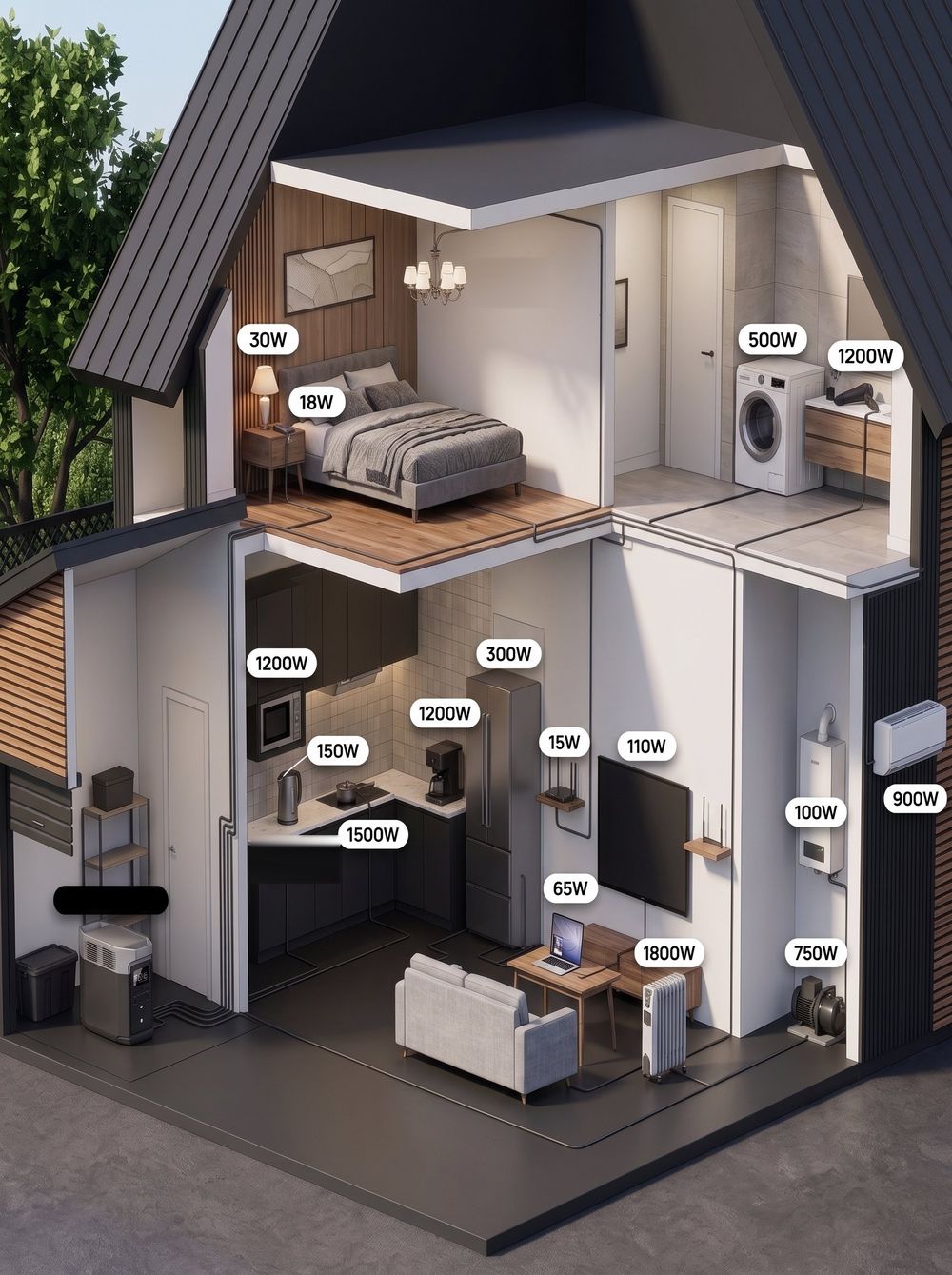
An estimate: 85% of the station capacity (inverter efficiency) divided by the total power of the appliances; charge is shown after a 4-hour blackout. Real figures depend on how the appliances are used.
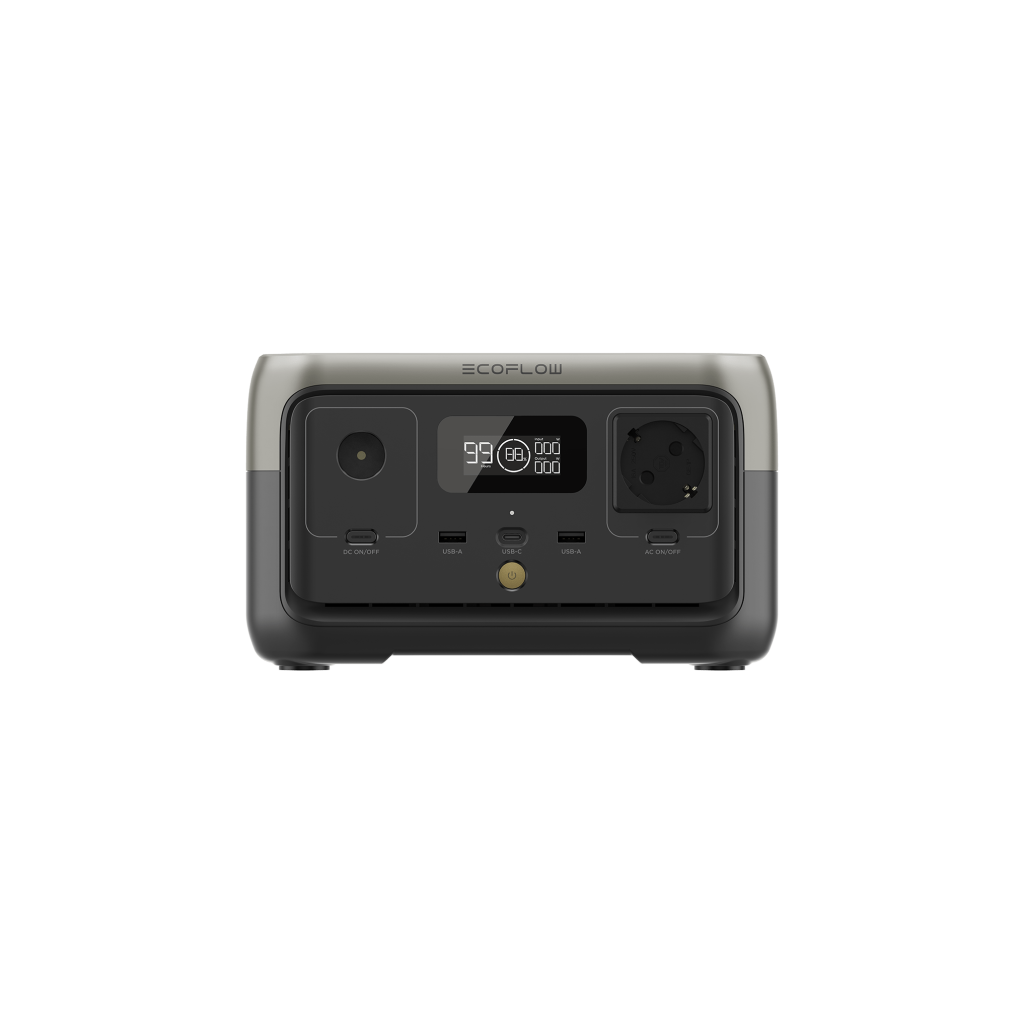
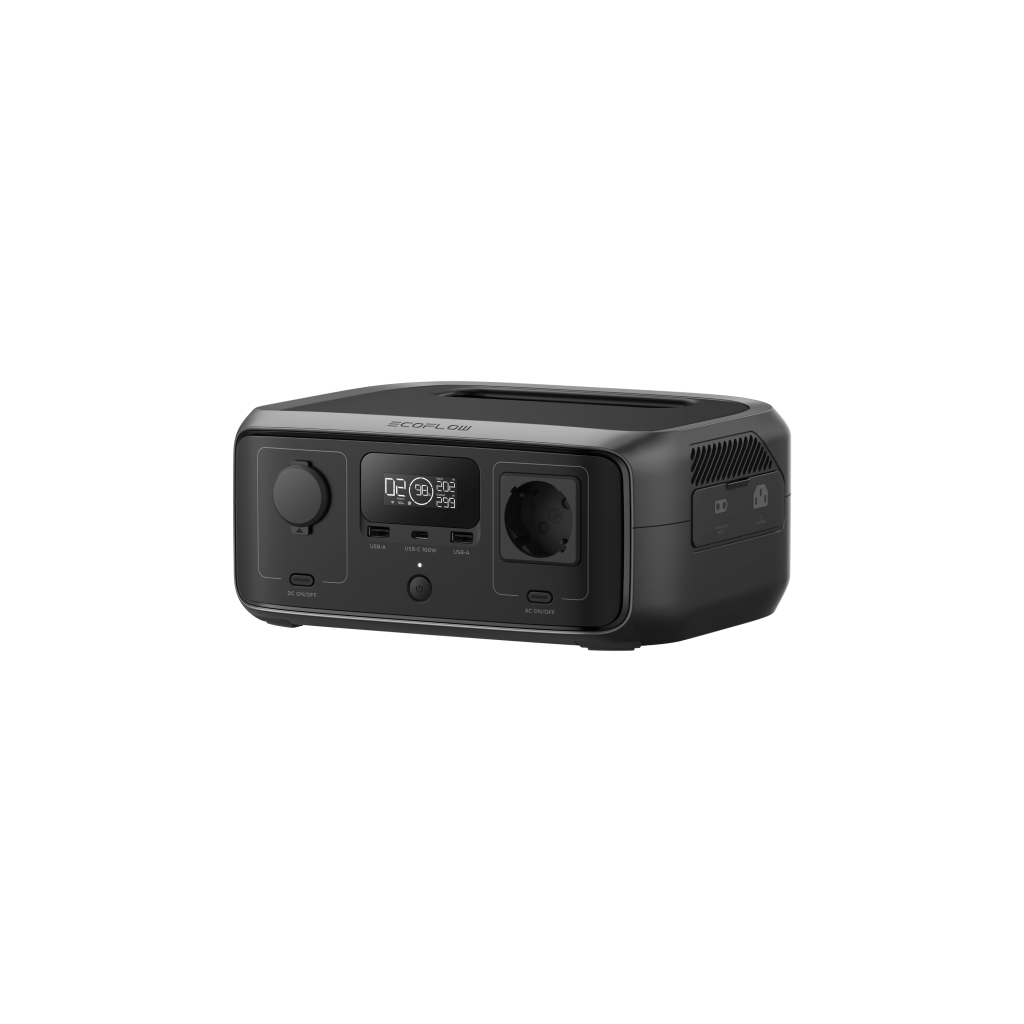
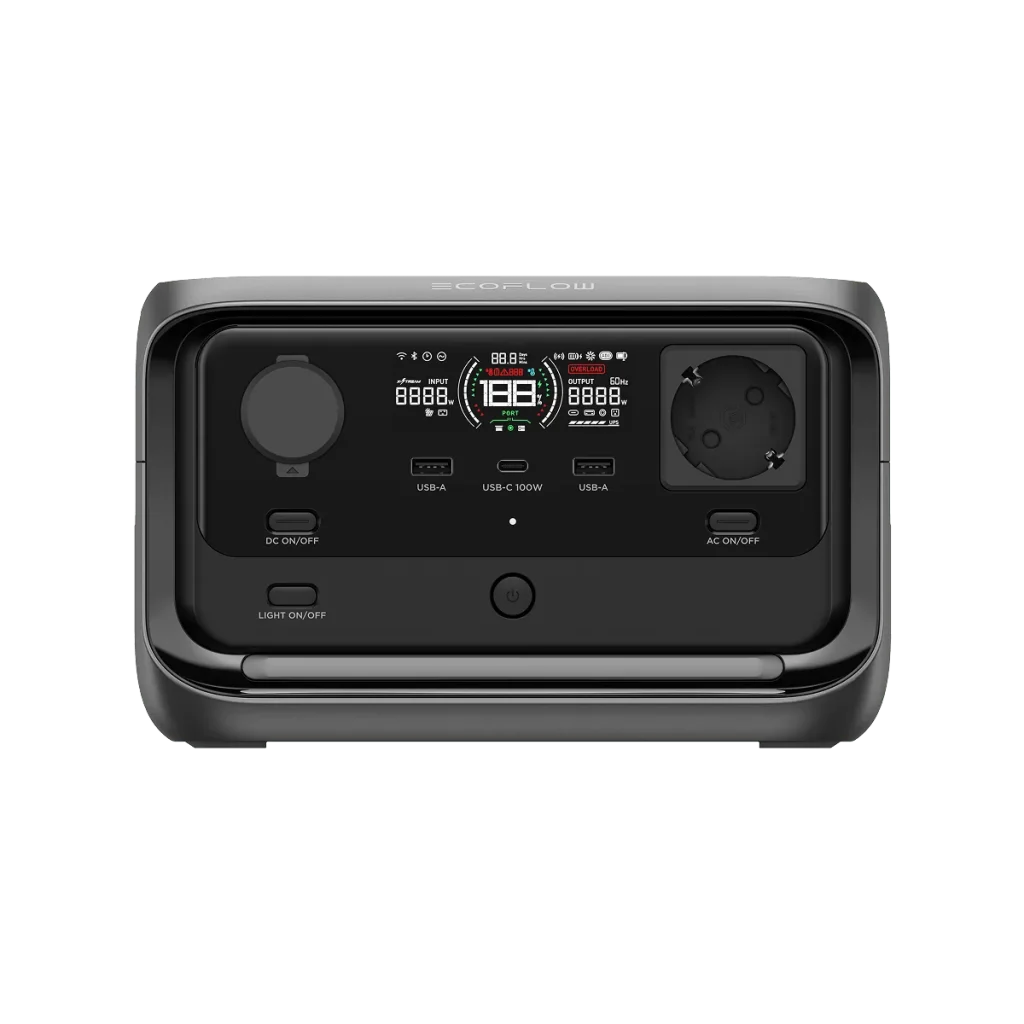
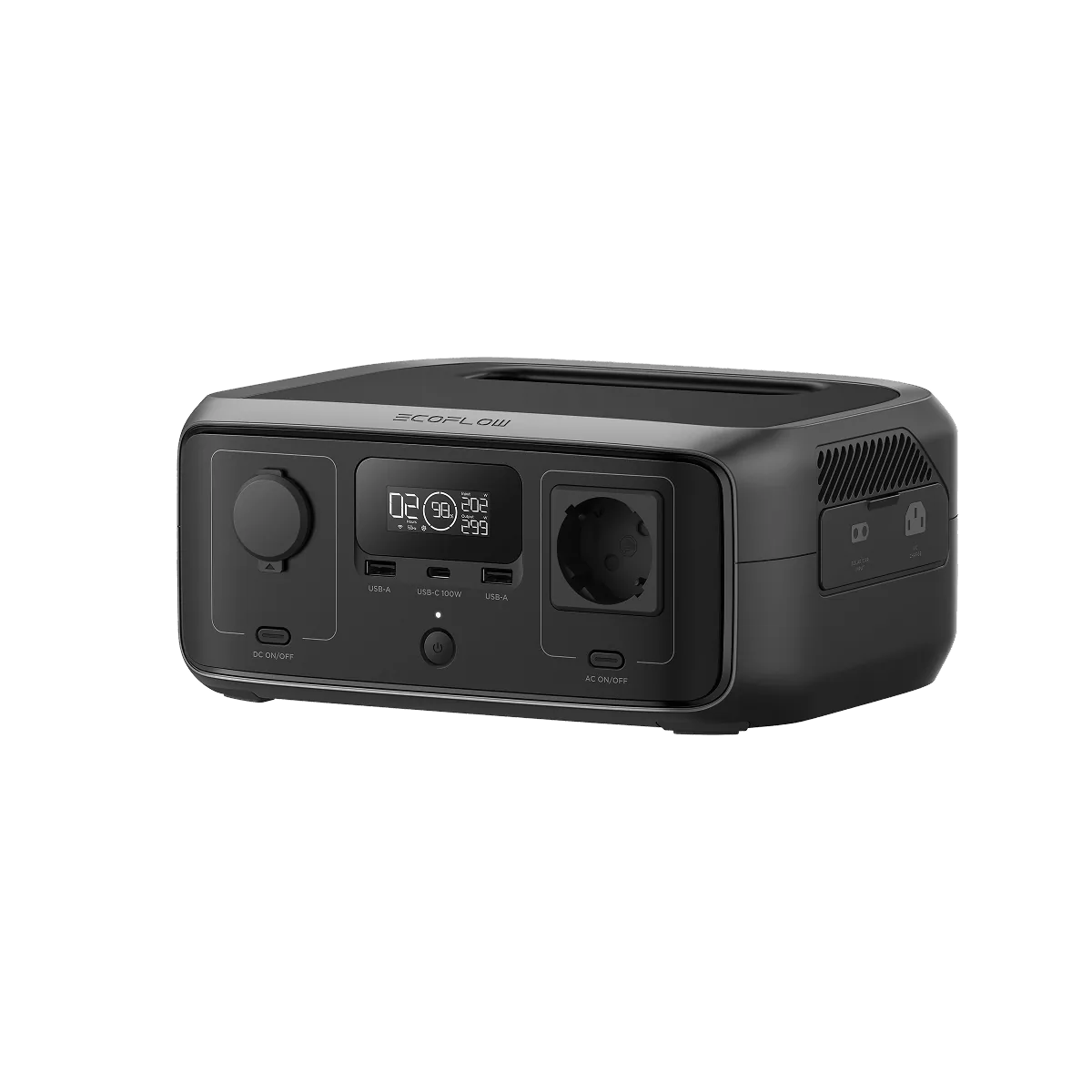
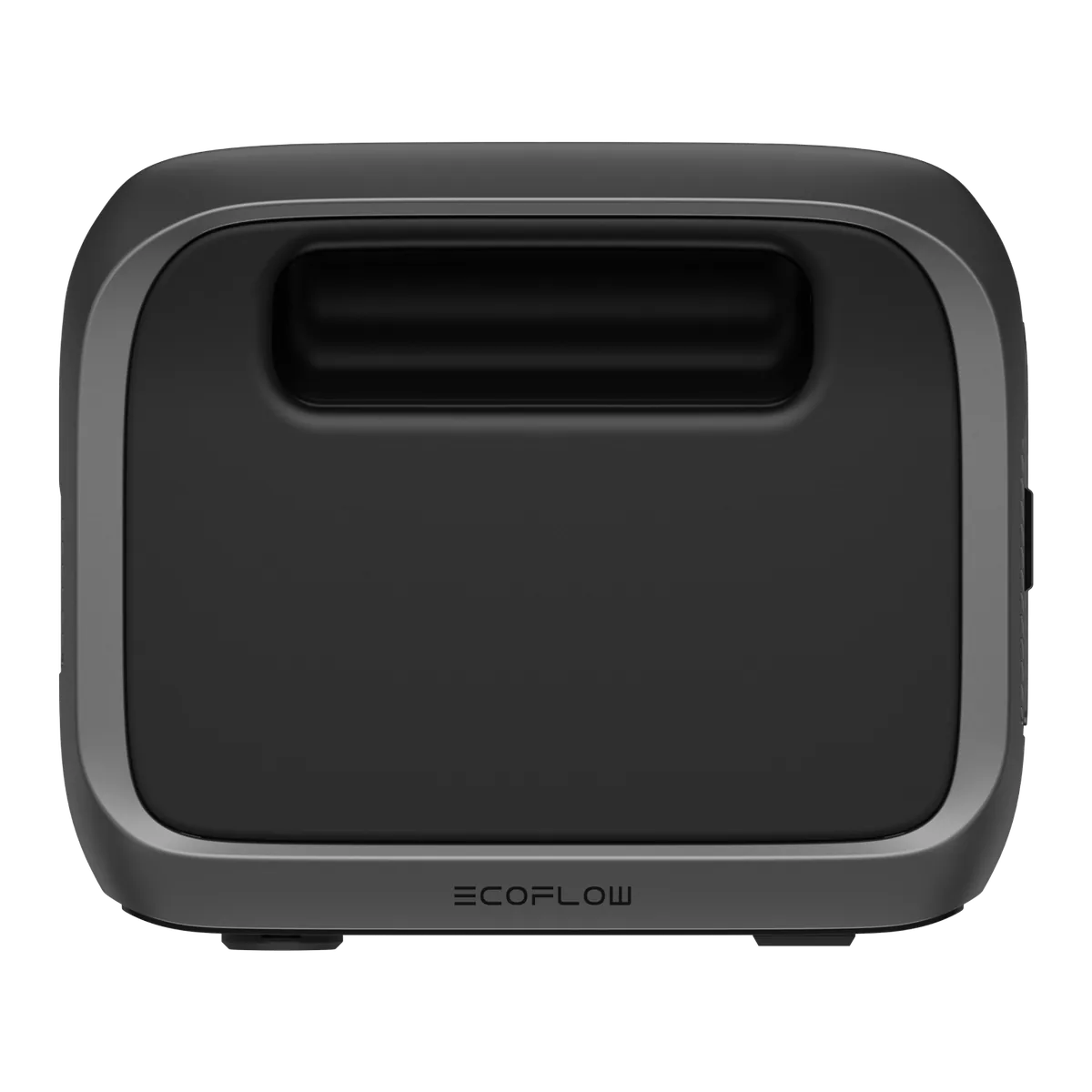
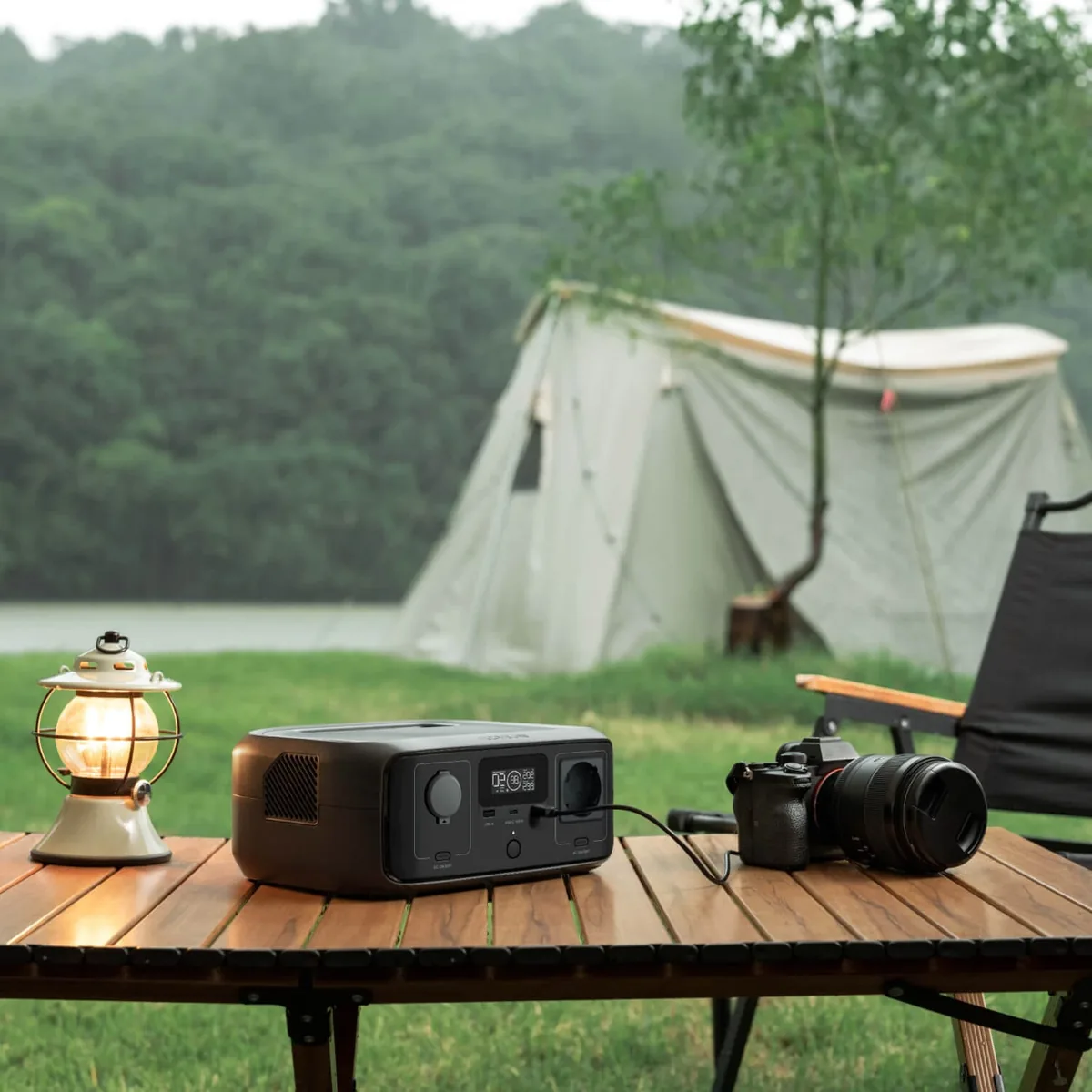
The EcoFlow RIVER 3 UPS is the same compact 245 Wh RIVER 3, but with a different backup power mode: when the voltage in the mains disappears, the station takes over the load in no more than 10 ms. The regular version needs up to 20 ms for this. The difference seems small, yet it decides whether a router or computer reboots at the moment of an outage. If you want to buy an EcoFlow RIVER 3 UPS, most likely the station will stand not in a backpack but by a socket next to equipment that must work without pauses.
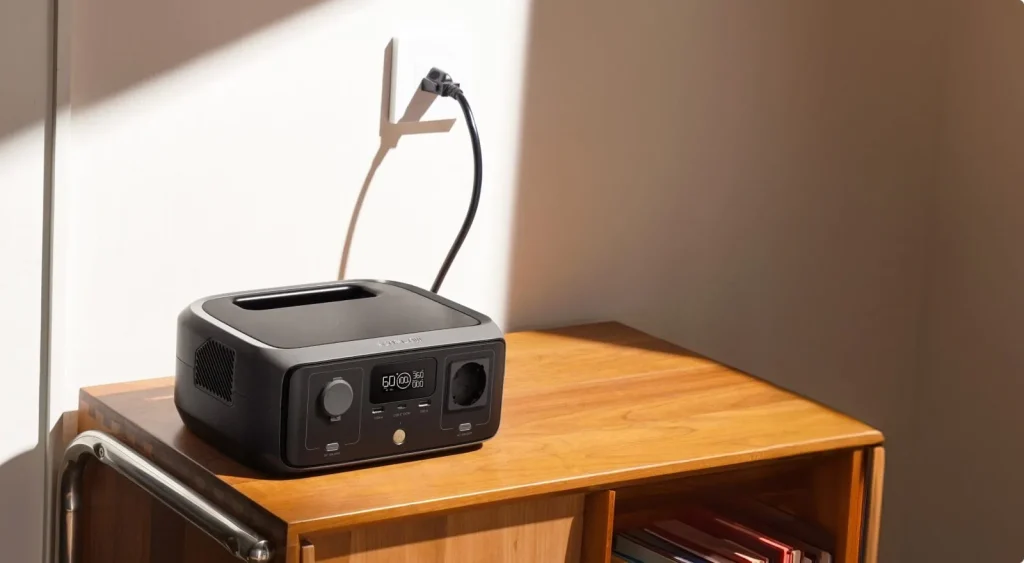
The scheme here is simple: the RIVER 3 UPS is powered from the wall, and the protected device from it. While the mains is on, equipment receives current from the mains and the battery stays full. During planned or emergency outages in Ukraine the RIVER 3 UPS switches to the battery unnoticed, and the internet, camera or boiler keep working.
Why RIVER 3 UPS
Switching to battery up to 10 ms
EcoFlow’s manual clearly separates two versions. RIVER 3 works as EPS with switching of up to 20 ms, and the manufacturer does not advise connecting desktop computers, NAS, servers or workstations to it. The RIVER 3 (10 ms UPS) version has an uninterruptible power function with switching of up to 10 ms. For most computer power supplies and network equipment such a pause is enough for the device not to notice the outage.
While the mains is on, equipment is powered directly
When the station is plugged into a socket and the device into its AC output, bypass mode works: the device receives energy from the mains, not from the battery. The battery is not used at that time and keeps its full charge precisely for the case of an outage.
Quiet next to a bed and a desk
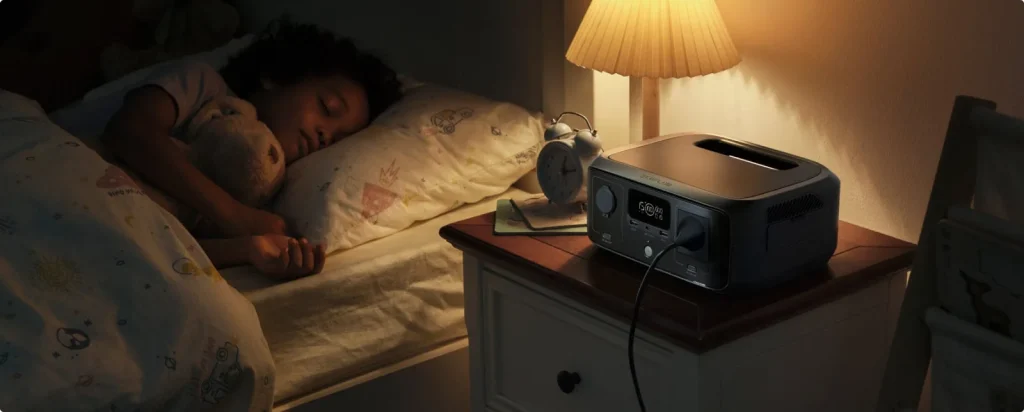
Thanks to the X-GaNPower inverter the station heats less, so in EcoFlow’s lab measurements the noise does not exceed 30 dB at 0.5 m. For a device that stays on around the clock in a bedroom or study this matters.
Twice as long for low-power devices
EcoFlow states that for loads up to 100 W the RIVER 3 runs up to twice as long as a typical station of the same capacity. In the manufacturer’s test with a 3 W lamp or a Wi-Fi router it came to 30.8 hours versus 16.1 hours. This is lab data; at home the result will depend on the specific equipment.
LiFePO4 rated for 3000 cycles and an hour to full charge
The LiFePO4 battery keeps over 80% of capacity after 3000 cycles, which EcoFlow estimates as about 10 years of daily use. From a socket the station charges from zero to 100% in about an hour, and the power brick is built in, so only the supplied cable is needed.
What to keep on the RIVER 3 UPS and for how long
The station has one 230 V outlet, rated at 300 W, and briefly it withstands up to 600 W. Taking inverter losses into account, about 205–210 Wh actually remains of the 245 Wh. Run time is this reserve divided by the watts of the specific device. Below are estimates, not guaranteed values.
- a Wi-Fi router of 8–10 W: about 20 hours, that is several outages in a row without recharging;
- Wi-Fi plus an ISP ONT, 15–25 W for the two: 8–14 hours;
- a CCTV camera with a recorder (20–40 W): 5–10 hours;
- an aquarium filter and compressor (10–20 W): 10–20 hours;
- gas heating (a boiler and pump drawing 60–150 W): roughly 1.5–3 hours;
- a desktop computer with a monitor (120–200 W): about an hour, enough to save files and shut the PC down calmly.
EcoFlow advises connecting one device of up to 300 W to the outlet in backup mode. If you power a router, terminal and camera together through an extension lead, keep the total consumption below this limit with a margin. A laptop is better connected to the 100 W USB-C, because direct current goes into it without double conversion.
What not to expect from the station: an electric kettle, heater, boiler or microwave are beyond it. X-Boost mode lets you start a heating appliance of up to 600 W at reduced power, but only from the battery, and it is off in bypass.
How it works
The connection scheme from EcoFlow’s manual: the cable from the station’s AC input goes into a grounded wall socket, and the required device is plugged into the station’s outlet. The manufacturer does not recommend an extension lead between the wall and the station. When the voltage disappears, the station itself switches the output to the battery, and when the mains returns, it passes the mains through again and tops up the battery.
There is a nuance with a fridge or other appliances that switch on in cycles. If the AC output has no load for a long time, the station may switch it off on a timer. To prevent this, set the AC timer to “never” in the EcoFlow app.
The app works over Wi-Fi, and without internet over Bluetooth. It shows the charge and the input and output power, lets you limit the charge or discharge level and switch X-Boost on or off.
The place for the station is worth choosing in advance, because it will stand there for months. A shelf or the floor in a dry room where the vents are not covered will do. The most comfortable range for the battery, according to EcoFlow, is 20–30 °C, discharge is possible from -10 °C, and charging only above zero, from 0 °C. So an unheated vestibule or balcony in winter is not suitable for permanent UPS mode: the station will not charge there when the mains returns.
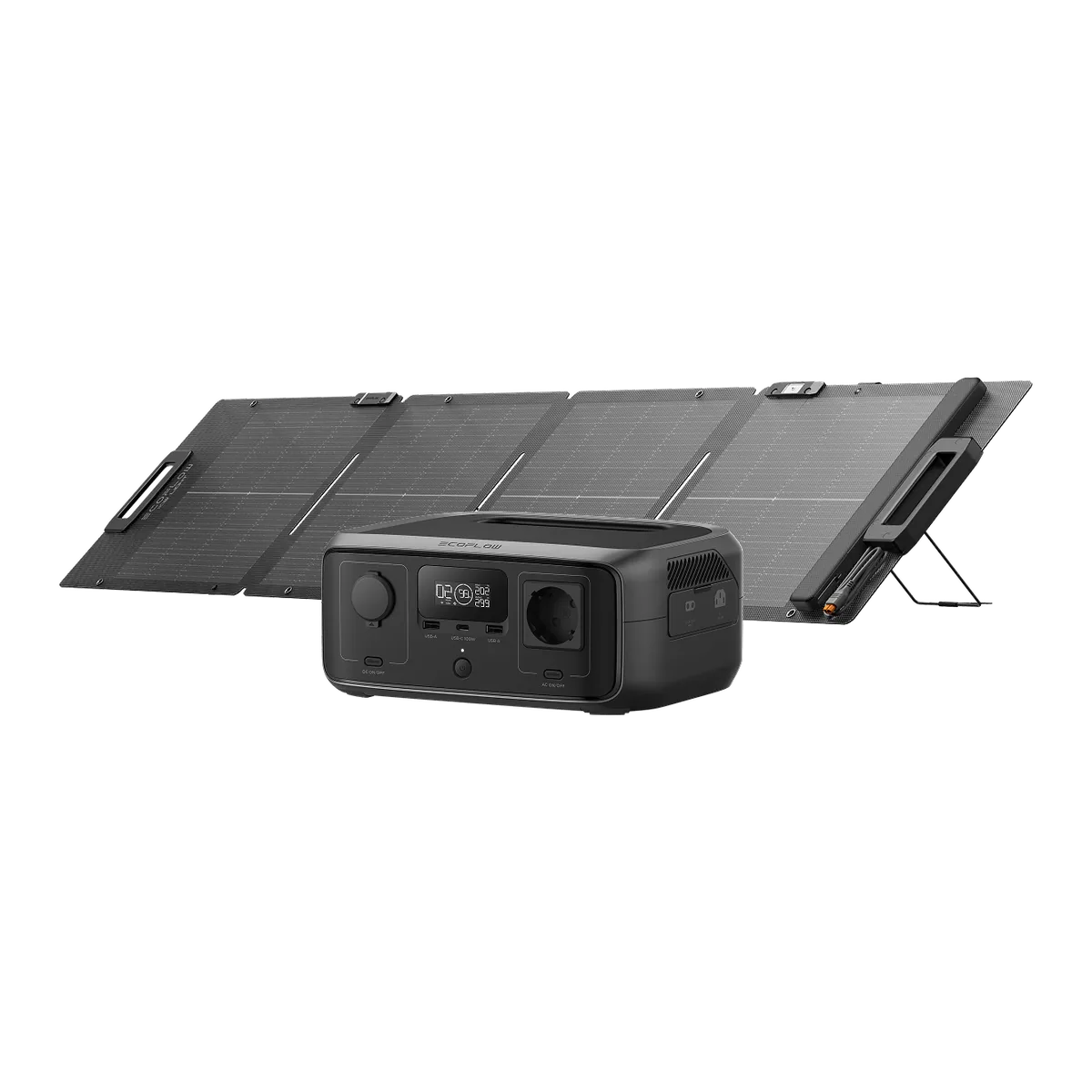
Besides a socket, the RIVER 3 UPS charges from a solar panel of up to 110 W at 11–30 V (a full charge in 2.6 hours at best), from a 100 W car cigarette lighter in about 2.8 hours and from a generator in an hour. The solar panel cable is not included.
RIVER 3 UPS next to other models
| RIVER 3 UPS | RIVER 3 | RIVER 3 Plus | |
|---|---|---|---|
| Capacity | 245 Wh | 245 Wh | 286 Wh |
| 230 V output | 300 W, 1 outlet | 300 W, 1 outlet | 600 W, 3 outlets |
| Switching | up to 10 ms | up to 20 ms | up to 10 ms |
| Solar | up to 110 W | up to 110 W | up to 220 W |
| Expansion | no | no | up to 858 Wh |
The EcoFlow RIVER 3 has the same capacity, ports, weight and charging speed. If you need the station for trips, camping or lighting and a 20 ms pause does not harm your devices, it will handle the task just as well.
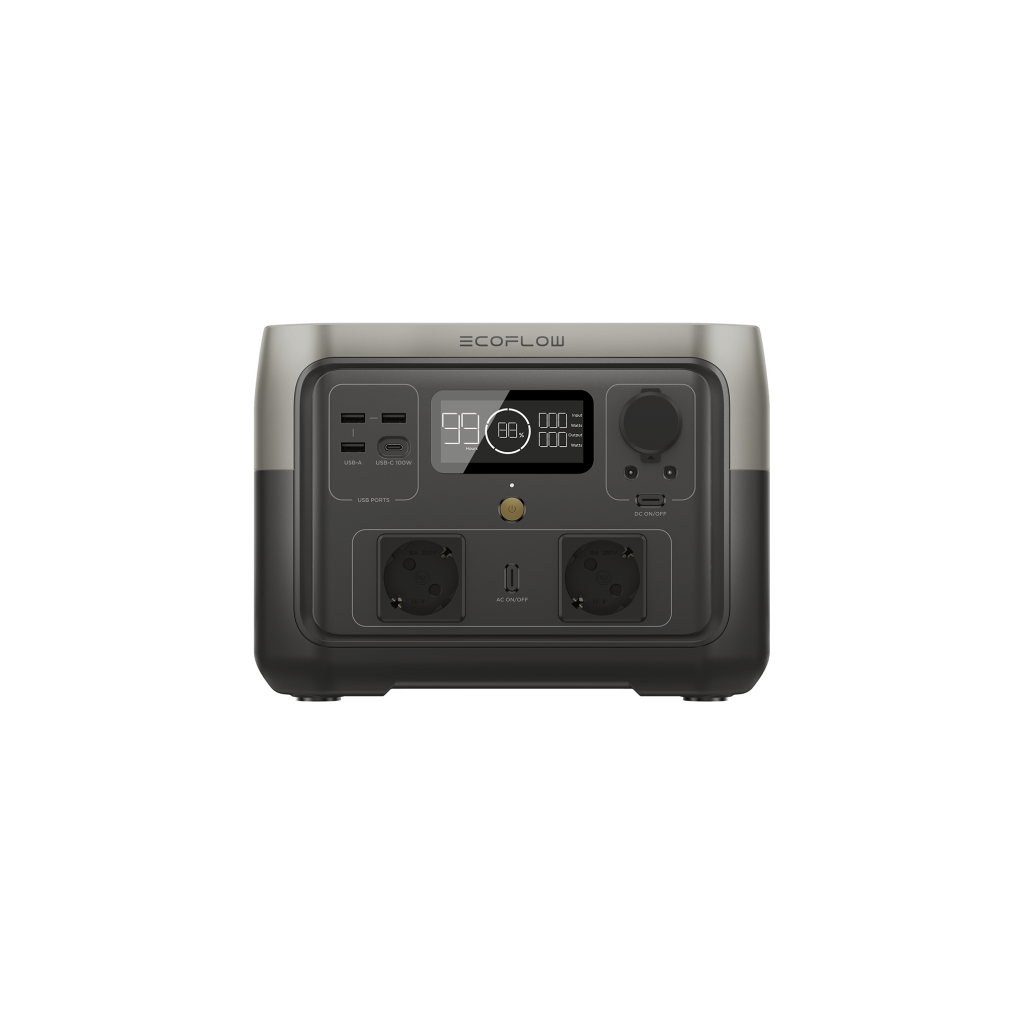
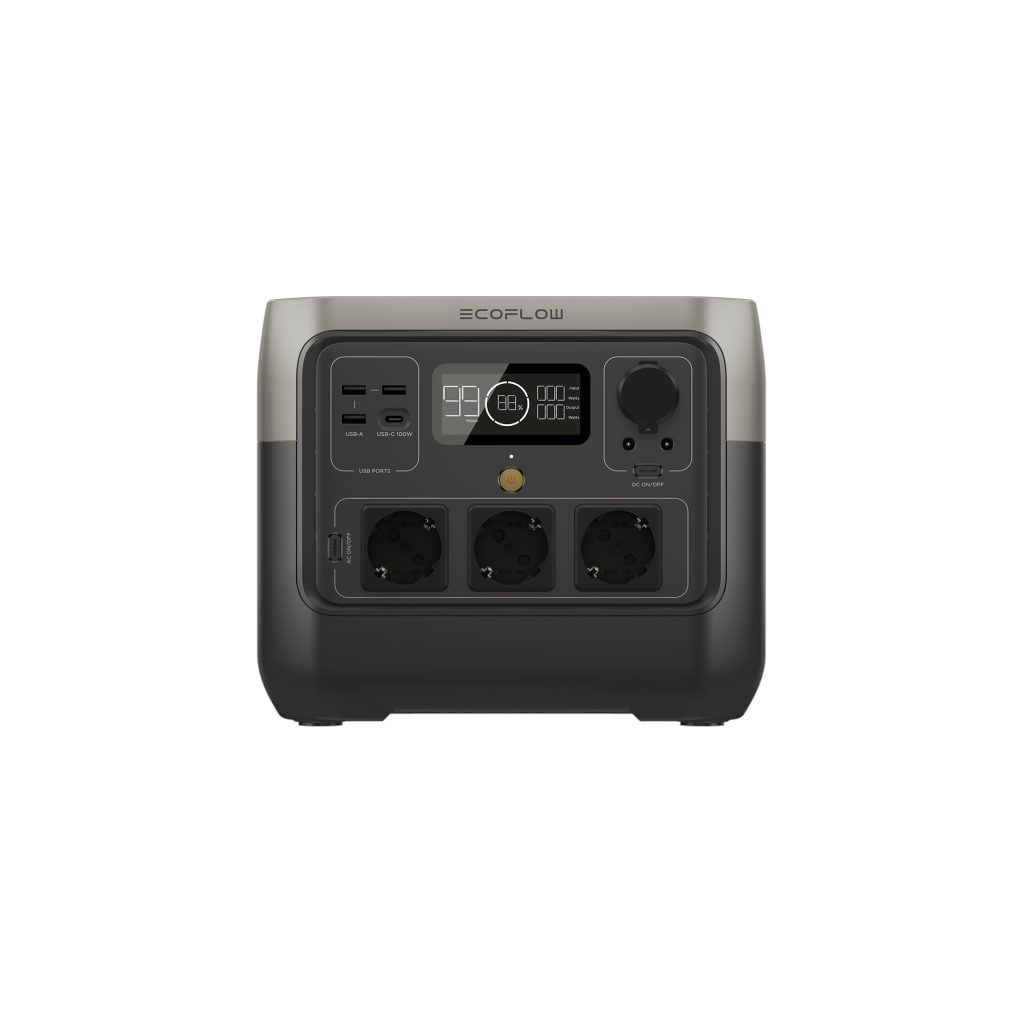
The EcoFlow RIVER 3 Plus also switches up to 10 ms, but delivers 600 W through three outlets, two of which are at the rear to hide the cables. A battery can be added to it, so this is the logical step when several devices need protection at once.
If along with a computer you need to keep a fridge or boiler running for several hours, you will need a bigger capacity: the 1024 Wh EcoFlow DELTA 3 delivers 1800 W and also switches up to 10 ms.
And when a 230 V outlet is not needed at all and it is just phones and a laptop on the road, the lighter option is the EcoFlow TRAIL 200 DC: 192 Wh, 1.83 kg and USB-C up to 140 W.
Who RIVER 3 UPS suits and who it does not
It suits you if:
- you need the internet not to disappear during outages and the router not to reboot;
- a camera, aquarium or boiler works at home for which even a short pause is harmful;
- you want a reserve of an hour of PC work to finish things correctly;
- the place for it is a room where people sleep or work, so noise is inappropriate.
Better another option if:
- several devices of over 300 W must be protected at the same time;
- outages last longer than a few hours and the load is significant;
- the computer must itself receive an outage signal and shut down;
- the station is needed mainly on the road — then there is no point paying extra for a UPS.
FAQ
What is the only difference between RIVER 3 UPS and the basic RIVER 3?
The switching time to battery: up to 10 ms instead of up to 20 ms. In EcoFlow’s manual both versions have the same model number, 245 Wh capacity, the same ports, weight and dimensions.
Is a separate power brick needed for charging?
No. According to the manual the station connects to a socket with the supplied cable through the built-in AC input and charges at up to 305 W.
Can the station be left plugged into a socket permanently?
Yes, the UPS version was made for this. So that the battery keeps its capacity longer, EcoFlow advises discharging and recharging the station once every three months.
Will the computer learn that the power is out?
Do not count on it. EcoFlow does not report passing a signal to a computer via HID for the RIVER 3 UPS, so saving work and shutting the PC down will have to be done manually. Such a function is offered, for example, by the DELTA 3 Plus.
Will the station handle a gas boiler?
Mostly yes, if the boiler together with its pump consumes up to 300 W: the output gives a pure sine wave. Check the boiler’s manual for backup power requirements and connect the station to a grounded socket.
How many devices can be powered at once?
Up to five: a 230 V outlet, a 100 W USB-C, two 12 W USB-A and a 126 W car output. The total output power per the manual is 550 W.
Does X-Boost work in UPS mode?
No, while the station works in bypass from the mains, X-Boost is unavailable. It switches on only when the device is powered from the battery.
Summary
The RIVER 3 UPS is a small station for those for whom it matters that a router, camera or boiler do not notice outages: switching up to 10 ms, quiet operation and an hour to full charge. If you have decided to buy an EcoFlow RIVER 3 UPS, place the order through the cart. Not sure 300 W is enough for your equipment? Write to us through the contacts page and we will advise.